
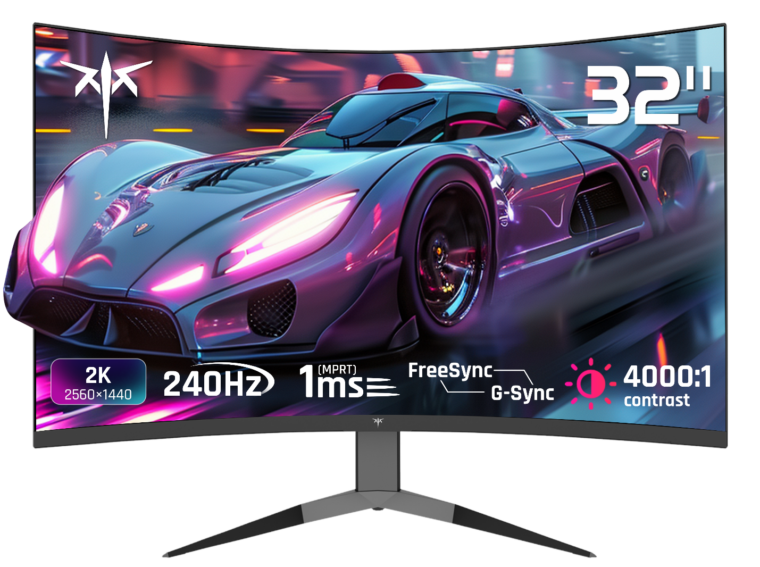
Upgrading a graphics card feels satisfying because the improvement is immediate and obvious. Upgrading a display often gets skipped or rushed, treated as a simple checkbox rather than a decision with real consequences for how a game actually feels. That gap in attention leads to a specific set of mistakes that show up again and again, quietly limiting the benefit of an otherwise strong gaming setup.
Understanding these pitfalls before buying a gaming monitor saves both money and frustration down the line. This article walks through the most common missteps and what to check instead, so an upgrade actually delivers the improvement it promises.
Mistake One: Chasing Resolution Over Refresh Rate
It is tempting to assume a sharper image automatically means a better gaming experience, but resolution and refresh rate pull hardware resources in different directions. Pushing a high resolution at a high refresh rate demands significantly more from a graphics card than most people expect, and players who prioritize resolution first often end up with a beautiful but sluggish result once fast-paced action starts.
A more balanced approach starts with the games actually being played. Competitive shooters and fast racing games benefit far more from a high refresh rate than from extra sharpness, while slower, visually rich single-player titles can lean the other way. Matching the display’s strengths to the games in rotation avoids paying for capability that goes unused.
Checking What the GPU Can Actually Drive
A display capable of extremely high refresh rates is only useful if the graphics card can consistently produce frames fast enough to take advantage of it. Looking at realistic frame rate benchmarks for current hardware in the games someone actually plays, rather than theoretical maximums, gives a far more accurate picture of what refresh rate is worth paying for.
Mistake Two: Ignoring Response Time and Ghosting
Refresh rate gets most of the attention in marketing, but response time quietly determines how clean fast motion actually looks. A display with a high refresh rate but a slow response time can still show ghosting, where a faint trail follows moving objects across the screen. This undercuts much of the benefit a high refresh rate is supposed to provide.
Reading independent reviews that measure actual response time, rather than relying solely on manufacturer specifications, helps separate genuinely fast panels from those that only look fast on a spec sheet. Watching sample footage or visiting a store to see a panel in motion, when possible, remains one of the most reliable ways to judge this firsthand.
Overlooking Variable Refresh Rate Support
Skipping variable refresh rate technology is another frequent oversight. Without it, frame rate drops during demanding scenes can cause visible tearing or stuttering, even on an otherwise capable display. Confirming that a chosen panel supports the variable refresh technology matching a given graphics card avoids this frustrating inconsistency during exactly the moments when smooth motion matters most.
Mistake Three: Underestimating Setup and Placement
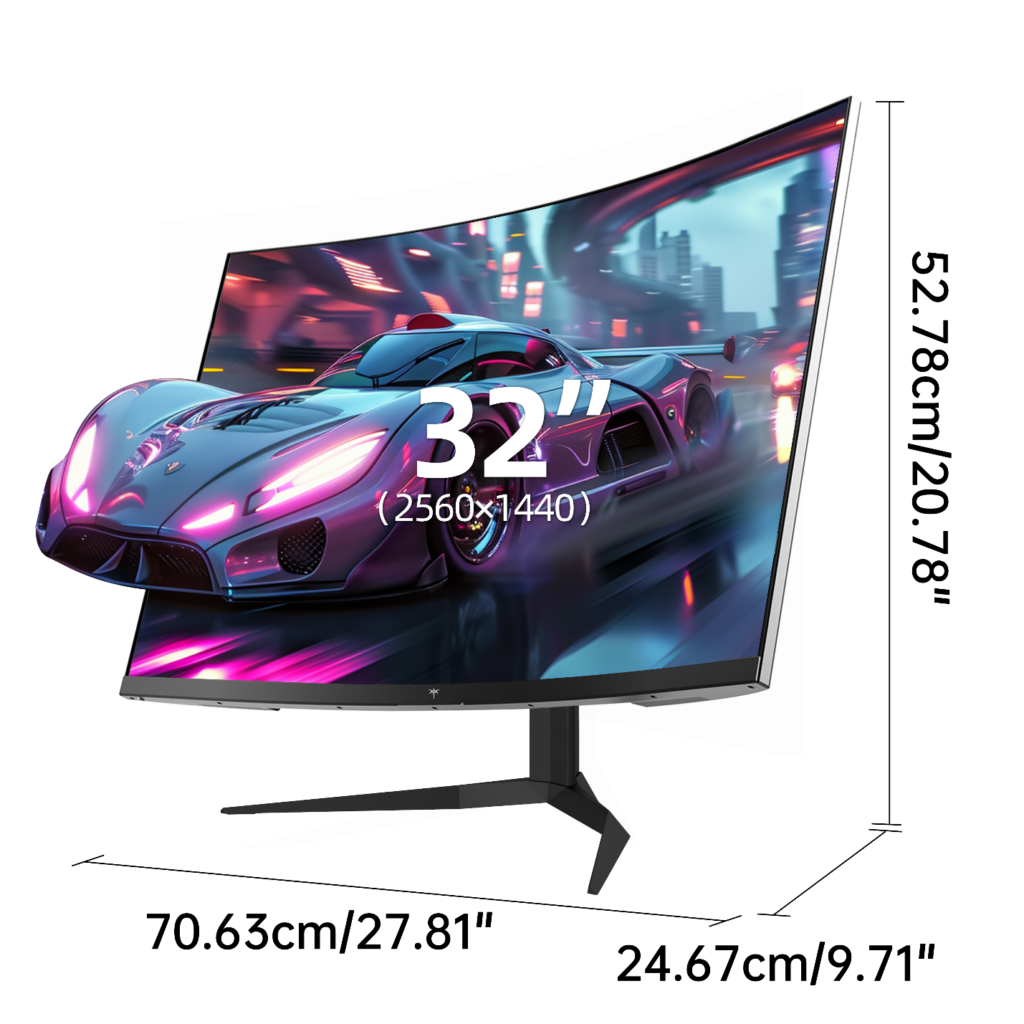
Even a well-chosen display underperforms if it is mounted or positioned poorly. Sitting too close to a large screen creates constant eye and neck movement, while sitting too far reduces the immersive benefit the size was meant to provide. Testing a comfortable viewing distance before committing to a specific size prevents this common regret.
Cable and port compatibility deserve attention too, since older HDMI standards cannot carry the full bandwidth some high refresh rate panels need. Brands like KTC clearly list supported connection standards for exactly this reason, making it easier to confirm compatibility with existing hardware before a purchase rather than discovering a mismatch after unboxing.
Getting the Upgrade Right the First Time
Most display upgrade regrets trace back to a handful of avoidable mistakes: prioritizing the wrong spec, ignoring response time, skipping variable refresh support, or rushing the physical setup. None of these require deep technical expertise to avoid, just a bit more attention before purchasing than most people typically give.
Taking the time to match a display’s strengths to actual games and hardware, rather than chasing the most impressive number on a box, turns an upgrade into a genuine improvement rather than an expensive lesson learned after the fact.