
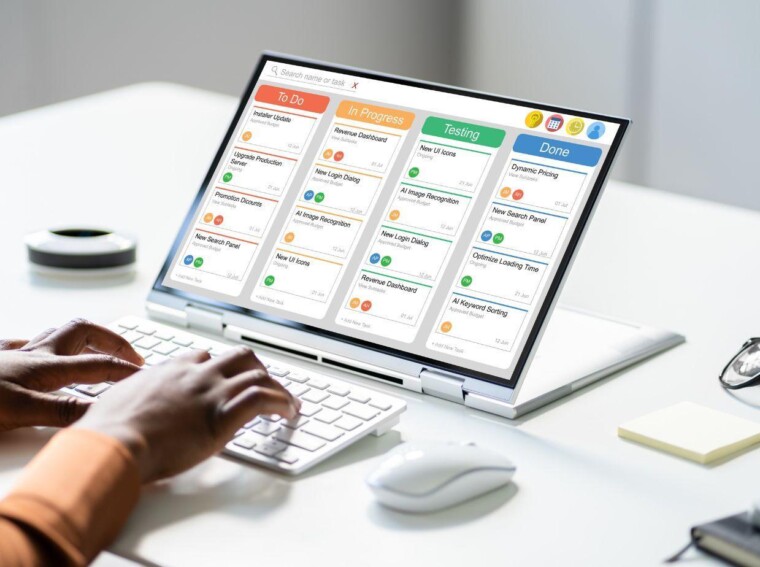
A project management tool should make coordination easier, not add another layer of complexity. Jira, Trello, Asana, monday.com, ClickUp, and Microsoft Planner all serve different needs, even though their features can sometimes look similar. The right choice depends on the type of projects you run, your team’s size, your working methods, and your security requirements.
Start From Concrete Needs, Not From Features
Before comparing software options, you need to identify the problems your company is actually trying to solve. A small marketing team might just need a simple visual board, while an IT department will require detailed workflows, incident management, and precise reporting.
Managers can ask future users about their current practices. A few questions can help frame the search effectively:
- What types of projects will be managed in the tool?
- How many people will need to create, edit, or view tasks?
- Do the teams work in Kanban, Scrum, or a hybrid method?
- Does the tool need to handle dependencies, budgets, or time tracking?
- Which applications need to be connected to the software?
- What reports do managers and clients need?
These answers help separate must-have requirements from features that are simply nice to have.
Compare the Working Methods Each Tool Supports
Each solution follows its own logic. Trello is mainly built around boards, lists, and cards, which makes it easy to organize tasks and visualize their progress. Jira offers deeper configuration, particularly well suited to software development, bug tracking, and agile teams. Other platforms combine list views, calendars, Gantt charts, documents, and goal tracking.
The comparison below helps match common tools to different contexts.
|
Tool |
Main strength |
Typically suited for |
|
Trello |
Simplicity of Kanban boards |
Small teams and visual projects |
|
Jira |
Advanced workflows and technical tracking |
Software development and IT |
|
Asana |
Task and goal coordination |
Marketing, operations, and cross-functional projects |
|
monday.com |
Customizable work boards |
Teams with varied processes |
|
Microsoft Planner |
Integration with the Microsoft 365 ecosystem |
Organizations already using Microsoft 365 |
A company shouldn’t just check that a given view exists. It needs to determine whether that view stays readable as the number of projects, tasks, and users grows.
Assess Usability to Encourage Lasting Adoption
Even a powerful piece of software becomes useless if employees refuse to use it. The interface should let someone create a task, find information, or change a status without extensive training.
Consumer-facing interfaces can sometimes offer interesting points of comparison in terms of visual navigation. A catalog page like the one for machines à sous Runa Casino, for instance, illustrates the importance of categorization, visual cues, and quick access to content. A professional tool obviously serves different goals, but the same principles of readability and hierarchy still shape the user experience.
Usability should be assessed from several perspectives: project manager, occasional contributor, department head, and administrator.
Check Integrations, Security, and Compliance
A project management tool rarely operates in isolation. It often needs to talk to an email system, a storage space, a calendar, a video conferencing tool, a code management system, or a customer relationship management solution.
For an organization based in France, data protection deserves special attention. The GDPR isn’t just about where servers are located: it also governs the purposes of data processing, individuals’ rights, data retention, and any transfers outside the European Economic Area. In particular, you should look at:
- the terms of data processing and subprocessing;
- multi-factor authentication and single sign-on options;
- detailed role and permission management;
- activity logs, backups, and recovery procedures;
- the terms for exporting and deleting information.
Requirements should be tailored to how sensitive the projects are. A team handling confidential data will need stricter controls than a group organizing a public editorial calendar.
Test the Total Cost Before Signing a Commitment
The advertised price per user only represents part of the real cost. Some essential features, such as advanced reporting, automation, portfolio management, or single sign-on, may be reserved for higher-tier plans. You also need to factor in the time spent on setup, training, support, and data migration.
A two-to-four-week pilot trial produces more reliable results than a simple sales demo. The team can recreate a real project, measure how long routine tasks take, and note any sticking points. Criteria defined in advance — simplicity, speed, customization, report quality, and cost — make the comparison more objective.
Make the Decision a Collective, Measurable Process
The best tool isn’t necessarily the one with the most options, but the one your team will actually use, regularly and correctly. After rollout, metrics such as adoption rate, how well deadlines are met, or a drop in scattered back-and-forth communication help measure the real benefits. Talk to your users, test several solutions on a real use case, and share your criteria to build a decision that lasts.