
If you’ve spent any time on TikTok lately, you’ve probably noticed that some of the most viral accounts don’t even show a face. Faceless content is blowing up — think satisfying compilations, AI-narrated explainers, Reddit story videos, product showcases, and motivational clips.
The appeal is obvious: you don’t need to be on camera, you don’t need expensive equipment, and you can publish at scale. The only question is — which AI tool actually produces faceless videos worth posting?
I spent the past two weeks testing over 15 faceless AI video generators, feeding them the same prompts and scripts to see which ones deliver TikTok-ready content without manual editing. After a lot of trial and error, here are my 7 best picks, starting with TopView AI!
TL;DR
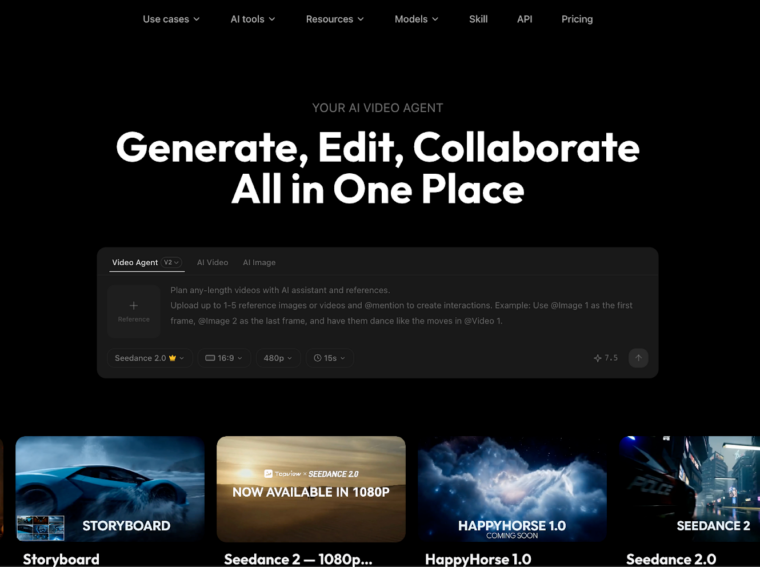
Topview AI is the best faceless AI video generator for its all-in-one creative suite, which lets you go from text prompts or product URLs to publish-ready faceless TikToks in minutes. With access to industry-leading AI models like Seedance 2.0, Veo 3.1, and Kling 3.0, it generates original, cinematic visuals — not recycled stock clips. Other solid alternatives include Fliki, Pictory, and InVideo AI, among others.
Why Faceless Videos Are Dominating TikTok
Let’s be real — not everyone wants to be on camera. And frankly, you don’t have to be. Faceless TikTok accounts are racking up millions of views across niches like finance, tech reviews, cooking, motivation, gaming, and even horror storytelling.
Here’s why faceless content works so well:
- Lower barrier to entry: No camera setup, no lighting, no appearance anxiety. You just need a good script and the right tool.
- Scalable production: With AI doing the heavy lifting, you can produce 5-10 videos a day instead of spending hours filming and editing one.
- Evergreen potential: Faceless videos often focus on information or storytelling, which means they stay relevant and keep getting views long after posting.
- Privacy: You build a brand without tying it to your personal identity, which plenty of creators prefer.
According to a 2026 Creator Economy Report by SignalFire, over 40% of new TikTok accounts generating 100K+ followers in the past year operate without ever showing a face. The trend is only accelerating.
But here’s the catch — the quality gap between tools is massive. Some generators spit out generic slideshows with robotic voiceovers. Others produce content that genuinely looks like it was made by a professional editor. That’s exactly what I set out to find.
Leading Faceless AI Video Generators: At a Glance
I evaluated each tool based on visual quality, voiceover naturalness, script handling, TikTok formatting, and how much manual editing was needed after generation. Here’s the quick breakdown:
|
Tool |
Best For |
Pricing |
Strengths |
Weakness |
|
TopView AI |
Best overall |
Free plan available |
Multi-model AI generation, original visuals, full creative suite |
Premium features need paid plan |
|
Fliki |
Voiceover-driven faceless content |
~$28/mo |
2,000+ natural AI voices, blog-to-video |
Stock footage dependent |
|
Pictory |
Long blog repurposing |
~$19/mo |
Auto text summarization, brand kits |
Generic stock visuals |
|
InVideo AI |
URL-to-video automation |
~$25/mo |
Paste URL → full video, AI agent |
Template-heavy output |
|
Synthesia |
Corporate/educational explainers |
~$29/mo |
AI avatars, 140+ languages |
Not TikTok-native, pricey |
|
Kapwing |
Quick social edits |
~$16/mo |
Subtitles, resize tools, team features |
More editor than generator |
|
Canva AI |
Simple visual slideshows |
Free tier available |
Huge template library, easy UI |
Very basic video generation |
#1. TopView AI: Best Faceless AI Video Generator Overall
Out of every tool I tested, TopView AI delivered the most impressive results — and it wasn’t even close. What sets it apart from the competition is simple: it doesn’t just slap stock footage together. It actually generates original video content using multiple cutting-edge AI models.
I’m talking about Seedance 2.5, Sora 2, Kling 3.0, Veo 3.1, and Vidu Q3 — all accessible from a single platform. That means when I type a prompt like “a drone shot over a neon-lit cyberpunk city at night,” I get actual AI-generated footage of that exact scene. Not a vaguely related stock clip from 2019.
But TopView AI isn’t just a video generator. It’s a full creative suite with multiple studios: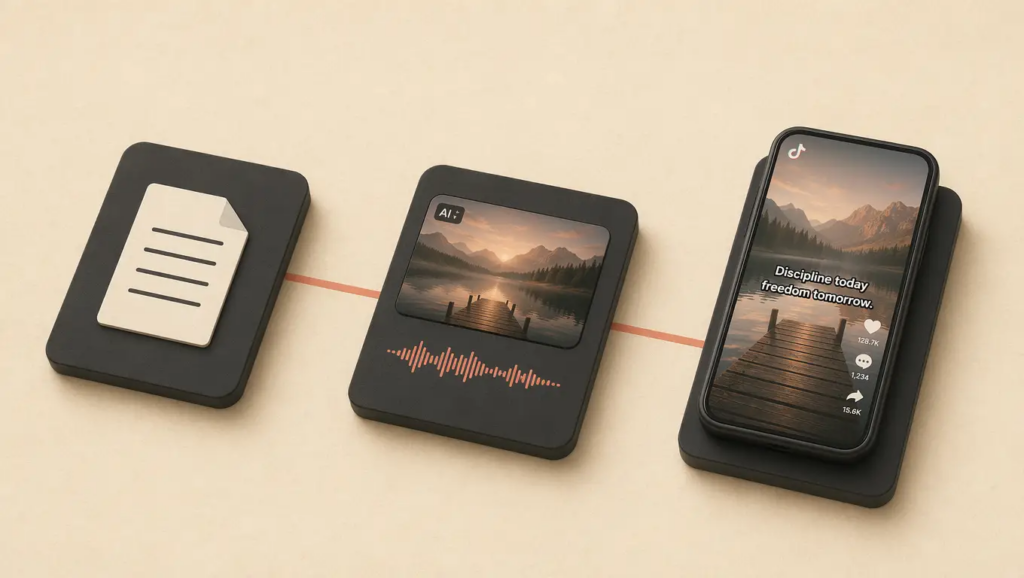
- Creative Studio: Generate images, videos, avatars, and audio all in one place. Perfect for producing faceless content at scale.
- Marketing Studio: Create ready-to-use ads and promotional videos in minutes — ideal for brands running TikTok ad campaigns.
- Commerce Studio: Generate product showcases, virtual try-ons, and commercial visuals without ever picking up a camera.
For faceless TikTok content specifically, I was blown away by how well it handles the entire workflow. I pasted a script about “5 productivity hacks for remote workers,” selected Seedance 2.0 as my model, and within minutes I had a polished 45-second video with:
- AI-generated B-roll that perfectly matched each point
- Smooth transitions between scenes
- Professional-sounding voiceover
- Auto-generated captions in TikTok-native style
The result looked like something a production team spent hours on. I spent about 3 minutes.
What also impressed me was the text-to-image capability. For faceless channels that use custom thumbnails or visual hooks, I could generate eye-catching images in the same platform without switching to another tool.
And if you ever want to add a talking-head element without showing your own face, TopView AI’s avatar feature can turn a static image into a lifelike talking video with perfect lip-sync — great for UGC-style faceless content.
Pros:
- Access to multiple top-tier AI video models (Seedance 2.0, Veo 3.1, Kling 3.0, etc.)
- Generates original AI footage, not stock clips
- Full creative suite (video + image + avatar + voice + background removal)
- Fast generation — most videos done in under 5 minutes
- Free plan available to test before committing
Cons:
- Advanced model access requires a paid plan
- Learning curve if you want to explore all the studios
#2. Fliki: Best for Voiceover-Driven Faceless Content
If your faceless TikTok strategy revolves heavily around narration — think Reddit story videos, motivational content, or educational explainers — Fliki is a strong contender.
I was genuinely impressed by the voiceover quality. With over 2,000 AI voices across 80+ languages, I could find voices that sounded natural, expressive, and far from robotic. The granular controls for tone, pace, and emphasis made a real difference.
I tested it by pasting a blog excerpt about investment strategies. Fliki broke it into scenes, matched each with stock footage, and layered on a confident male narration. The result was decent — watchable, well-paced, and properly formatted for TikTok.
But here’s my issue: the visuals. Fliki relies entirely on stock footage libraries, which means your videos will inevitably look like everyone else’s. If you’re in a competitive niche, that’s a problem. I noticed several clips that looked identical to videos I’d seen from other creators using the same tool.
For pure voiceover quality, Fliki is hard to beat. But for overall faceless video production, TopView AI’s original AI-generated visuals give it a clear edge.
Pros:
- 2,000+ ultra-realistic AI voices
- Granular voiceover customization
- Blog URL to video conversion
- Supports 80+ languages
Cons:
- Stock footage dependency limits visual uniqueness
- Less suited for visually-driven content
#3. Pictory: Best for Repurposing Long Blog Posts
Pictory has carved out a niche as the go-to tool for turning long-form written content into short video summaries. If you’re a blogger who wants to systematically convert your archive into faceless TikToks, it handles the heavy lifting.
I tested it with a 2,000-word how-to article, and Pictory did a solid job of identifying the key sentences, summarizing them into a coherent script, and matching visuals to each point.
The brand kit feature is useful — I could set my fonts, colors, and logo once, and every video maintained consistency. For faceless channels building a recognizable brand identity, this matters.
However, like Fliki, Pictory is limited by its stock footage library. The AI doesn’t generate any original visuals; it just picks the most relevant clips from its database. In some of my tests, the footage felt loosely connected to the script at best.
Also, the generated videos tended to feel more like corporate presentations than TikTok content. You’ll likely need to add trending audio, adjust pacing, and tweak the captions to make them TikTok-native.
Pros:
- Excellent text summarization from URLs
- Brand kit for visual consistency
- Good for high-volume blog repurposing
Cons:
- Stock footage can feel generic
- Output leans corporate, not TikTok-native
- No original AI video generation
#4. InVideo AI: Best for Instant URL-to-Video
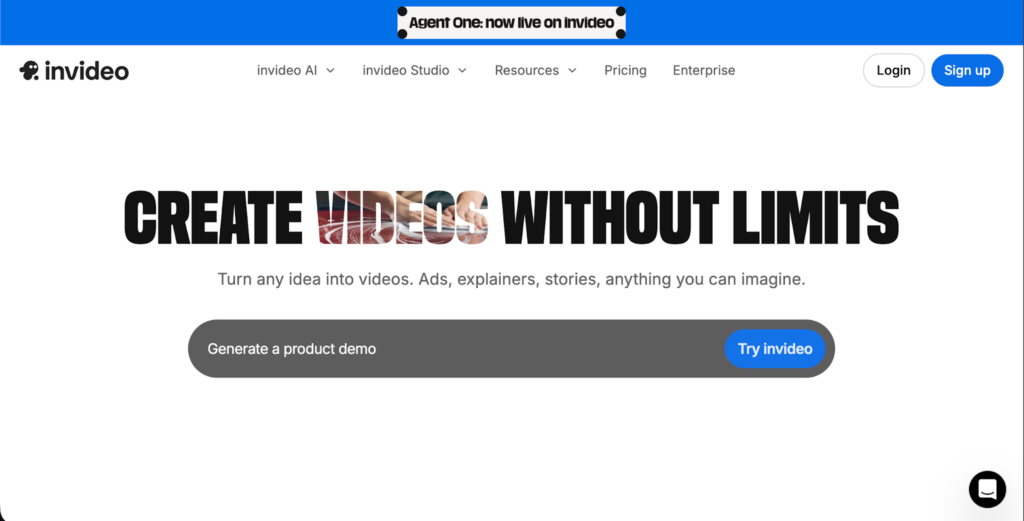 InVideo AI surprised me with its dedicated workflow for converting blog URLs directly into videos. I pasted a link, and within about 90 seconds, the AI had scraped the content, written a script, selected visuals, added a voiceover, and rendered a draft.
The AI chat agent was actually quite good. After the initial generation, I could ask it to “make the intro more punchy” or “swap the background music to something upbeat,” and it would regenerate accordingly.
For faceless TikTok content, InVideo AI’s biggest strength is speed. If you need to pump out 5-10 faceless videos a day from existing blog content, the URL-to-video pipeline makes that feasible.
The downside? The output can feel template-heavy. I could tell which template was being used across different videos, and the stock footage — while decent — didn’t stand out. The pricing also surprised me; it’s steep compared to what you get, especially at the starter tier.
Pros:
- Paste a URL and get a full video in seconds
- AI agent for iterative editing
- Good for high-volume faceless production
Cons:
- Template-heavy visual style
- Pricing is higher than expected
- Stock footage limits uniqueness
#5. Synthesia: Best for Corporate/Educational Faceless Content
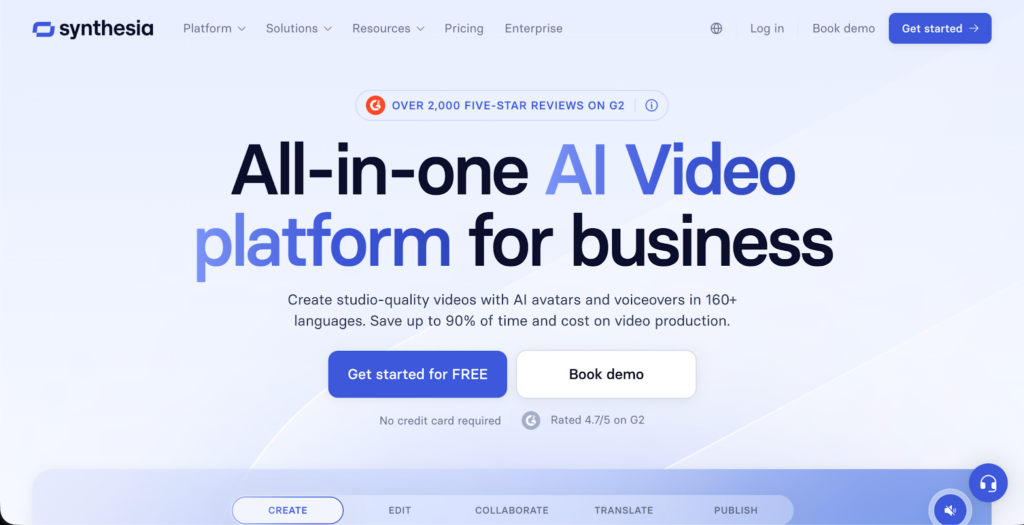 Now, you might be thinking — Synthesia has AI avatars, so is it really “faceless”? Fair point. But I’m including it because many creators use Synthesia to produce educational and corporate explainer content where the avatar serves as a narrator rather than a personal identity.
The avatar quality is impressive. With 230+ AI presenters and 140+ language support with lip-sync, it’s the most polished talking-head solution I’ve tested. For faceless channels focused on educational content, course teasers, or news recaps, Synthesia delivers professional results.
But for TikTok specifically? It struggles. The videos feel too polished, too corporate. TikTok audiences respond to authenticity, rawness, and trend-awareness — qualities that Synthesia’s output lacks. There’s no free plan either, which makes it hard to justify for casual TikTok creators.
Pros:
- 230+ realistic AI avatars
- 140+ languages with lip-sync
- Professional, polished output
Cons:
- Too corporate for TikTok’s casual vibe
- No free plan available
- Expensive compared to alternatives
#6. Kapwing: Best for Quick Social Edits
Kapwing is less of a generator and more of an editor — but it deserves a spot here because its AI features make it genuinely useful for faceless content workflows.
Here’s how I used it: I generated raw video clips using TopView AI, then imported them into Kapwing for final touches — auto-captions, background music, trending text animations, and resizing for TikTok’s 9:16 format.
Kapwing’s subtitle tool is one of the best I’ve used. The accuracy is high, the styling options are extensive, and it supports that popular TikTok caption aesthetic where words animate one at a time.
The collaborative workspace is also great if you’re working with a team. But on its own, Kapwing won’t generate faceless videos from scratch. You’ll need to pair it with a generator like TopView AI for the best results.
Pros:
- Excellent auto-caption and subtitle tools
- Quick resizing for TikTok format
- Collaborative team workspace
Cons:
- Not a standalone video generator
- Requires imported footage to work with
- AI generation capabilities are basic
#7. Canva AI: Best for Simple Visual Slideshows
Canva has become the default design tool for non-designers, and its AI video features extend that accessibility to faceless video creation. I tested it for creating simple slideshow-style TikToks — quote cards, infographic animations, and fact-based compilation videos.
For this specific format, Canva does fine. The template library is massive, the drag-and-drop editor is intuitive, and you can export directly in TikTok’s vertical format.
But let’s be honest — Canva’s video generation is extremely basic compared to dedicated AI video tools. You won’t get AI-generated footage, cinematic transitions, or natural voiceovers. What you get is an animated slideshow with background music.
For creators who just want to post simple, clean faceless content without learning a new tool, Canva works. For anything more ambitious, you’ll need to look at TopView AI or one of the other dedicated generators on this list.
Pros:
- Huge template library
- Intuitive drag-and-drop editor
- Free tier available
Cons:
- Very basic video generation
- No AI-generated footage
- Output limited to slideshow style
Which Faceless AI Video Generator Should You Use: My Personal Take
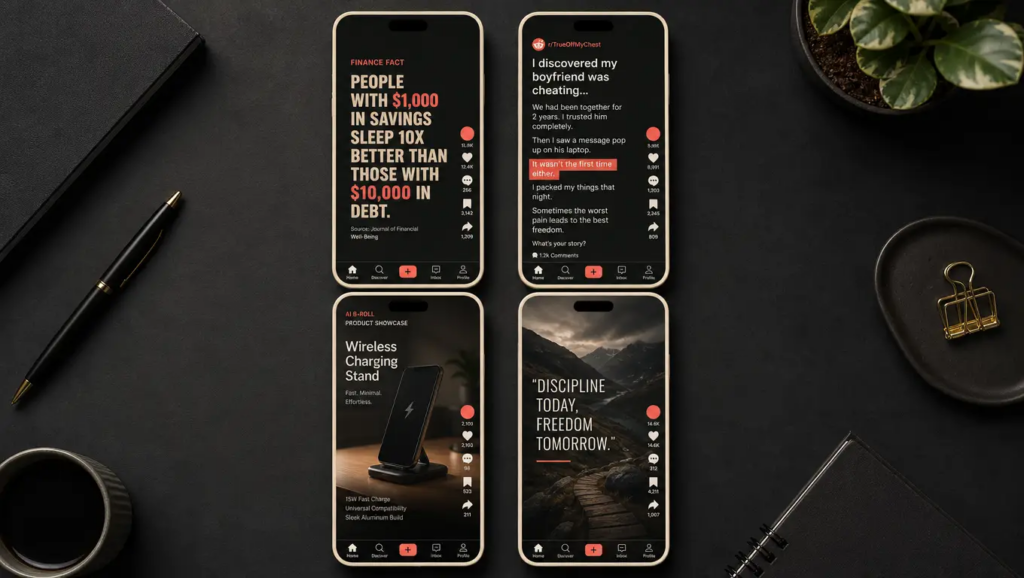 After testing roughly 15 tools over two weeks, I keep coming back to TopView AI. And the reason is straightforward — it’s the only tool on this list that generates original AI footage rather than recycling stock clips.
In the faceless content space, visual uniqueness is everything. If your videos look the same as 500 other creators using the same stock library, you’re not going to stand out. TopView AI solves this problem entirely by giving you access to multiple state-of-the-art AI models that create footage from scratch.
On top of that, the full creative suite means I don’t need to juggle five different tools. Video generation, image creation, voiceovers, avatar videos, background removal — it’s all in one place.
If you’re serious about building a faceless TikTok channel that actually grows, I’d say start with TopView AI. The free plan gives you enough to test the waters, and once you see the output quality, you’ll understand why it’s my #1 pick.
FAQs
What’s the best faceless AI video generator for TikTok?
TopView AI is the best faceless AI video generator for TikTok. It offers access to multiple industry-leading AI models like Seedance 2.0 and Veo 3.1 to generate original video footage, plus a full creative suite for images, avatars, and voiceovers — everything you need to produce scroll-stopping faceless content.
Do I need editing skills to create faceless TikTok videos?
No. Tools like TopView AI automate the entire process — from scriptwriting to visual generation to voiceover and captioning. You can go from a text prompt to a publish-ready TikTok in under 5 minutes with zero editing experience.
Can faceless AI videos actually go viral on TikTok?
Absolutely. Some of the biggest TikTok accounts operate entirely without showing a face. Faceless content performs exceptionally well in niches like finance, tech, motivation, Reddit stories, and product reviews. According to SignalFire’s 2026 report, over 40% of new accounts reaching 100K+ followers last year were faceless.
Which faceless video generator produces the most unique visuals?
TopView AI generates the most unique visuals because it uses AI models like Seedance 2.0, Kling 3.0, and Veo 3.1 to create original footage from text prompts. Most competitors rely on shared stock footage libraries, which means multiple creators end up with identical-looking videos.
Are free faceless video generators good enough for TikTok?
Free plans from tools like TopView AI and Canva can produce decent faceless content for getting started. However, for consistent, high-quality output at scale, a paid plan with access to premium AI models will give you a significant edge in video quality and production speed.