
Let’s delve into the factors at play.
Is Gaming On A Laptop A Disadvantage?
Historically, desktops have held a larger chassis allows for better cooling solutions, accommodating high-powered components like beefy CPUs and dedicated GPUs without thermal throttling. This often translated to higher clock speeds and sustained performance, crucial for running demanding AAA titles smoothly.
However, the landscape of gaming on a laptop has evolved dramatically with modern gaming laptops that are seemingly sleeker design. Advancements in cooling technology, including vapor chambers are allowing laptops to handle higher thermal loads more effectively.
Games Which Use The Most CPU, GPU, or RAM
One of the key bottlenecks for any gaming machine is its components. The CPU (Central Processing Unit) handles the game’s logic and AI, while the GPU (Graphics Processing Unit) is responsible for rendering the visuals. AAA games, especially those with intricate worlds and advanced graphical features, place significant demands on both. Typically, modern AAA titles recommend at least 16GB of RAM for a smooth experience, with some even benefiting from 32GB to avoid stuttering and ensure efficient loading of game assets.
Let’s look at some games which use the most CPU, GPU, or RAM to illustrate these demands:
- Monster Hunter Wilds (GPU): High-end (latest NVIDIA RTX or AMD Radeon RX series recommended for high settings).
- Cyberpunk 2077 (GPU): High-end with significant VRAM (NVIDIA RTX 3080 or AMD Radeon RX 6800 XT or better recommended for ray tracing and high settings).
- Red Dead Redemption 2 (GPU): Mid-to-high-end (NVIDIA GTX 1070 or AMD RX 590 or better recommended for high settings)
- Assassin’s Creed Shadows (GPU): High-end (latest NVIDIA RTX or AMD Radeon RX series recommended for high settings)
What to Look For in A Gaming Laptop
Choosing the right gaming laptop is crucial to achieving a comparable AAA gaming experience. Several key components and features determine a laptop’s gaming prowess.
- CPU: AAA titles demand significant processing power for smooth gameplay, intricate physics, and AI. Look for laptops equipped with the latest generation high-performance CPUs from Intel (Core i7/i9) or AMD (Ryzen 7/9).
- GPU: NVIDIA’s GeForce RTX series and AMD’s Radeon RX series are the go-to choices for dedicated laptop graphics, and the amount of VRAM (Video RAM) they possess is critical for handling high resolutions and texture details.
- RAM: Modern AAA games typically recommend at least 16GB of RAM for a decent experience, with 32GB becoming increasingly beneficial for smoother performance.
- Cooling Efficiency: One of the historical limitations of gaming laptops was their ability to dissipate heat effectively. Look for laptops with advanced cooling solutions, such as multiple fans and vapor chamber technology.
- Display Quality: A high-quality display is essential for an immersive gaming experience. Consider factors like resolution (minimum 1080p, with 1440p for a sharper image), refresh rate (120Hz or higher for smoother visuals), and response time.
- Storage Speed: A fast NVMe SSD (Solid State Drive) is a must-have for quick game loading, level transitions, and overall system responsiveness.
Razer’s Blade Series: Powerhouses of Portable Gaming
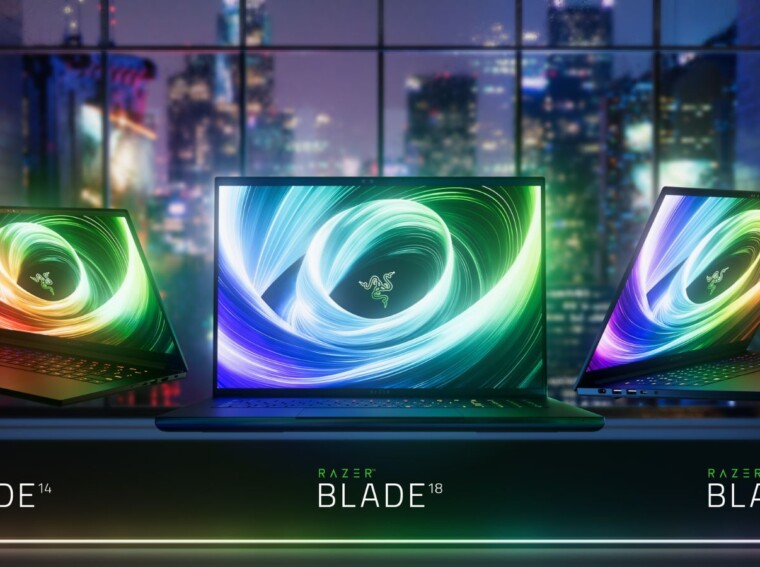
When discussing high-performance gaming laptops, the Razer Blade series frequently comes to the forefront.
The Razer Blade 14 is the ultimate portable gaming laptop, packing incredible power in a compact form. Featuring top-tier components like the latest AMD Ryzen AI 9 365 processors and high-end NVIDIA® GeForce RTX™50 Series Laptop Graphics, it delivers top-tier performance in a surprisingly sleek chassis. Built to move, it offers up to 11 hours of battery so you can enjoy gaming, creating, or working from wherever the day takes you.
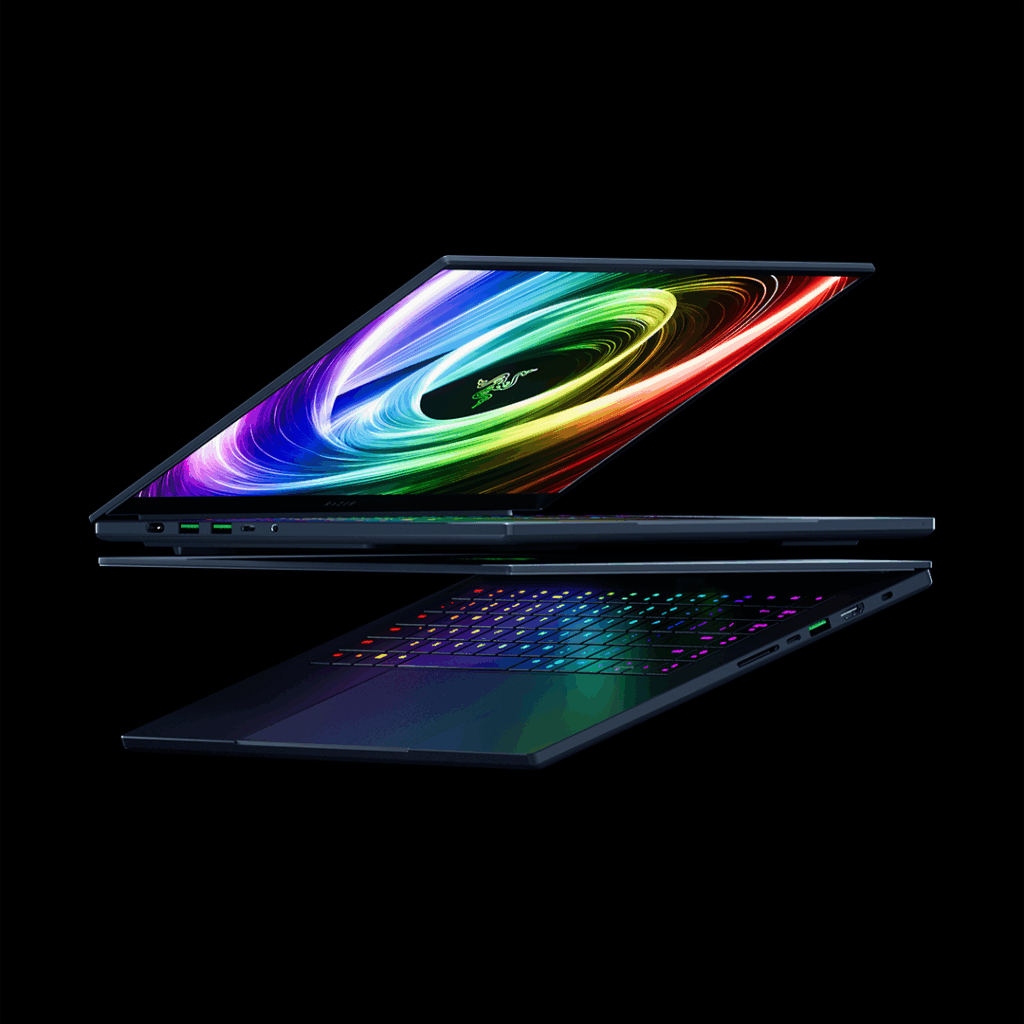
For those demanding even more power, step up to the Razer Blade 16, perfectly balanced for performance and portability. Equipped with up to NVIDIA GeForce RTX 5090 Laptop Graphics and a Ryzen AI 9 HX 370 processor, experience desktop-grade performance in the thinnest Razer Blade laptop ever. Complete with a dazzling 240Hz OLED display, enjoy all of the latest games or bringing your own creations to life with stunning colour and clarity.
Levelling up in size, the Razer Blade 18 offers an even more expansive canvas for gaming and content creation. Offering a fully powered Intel® Core™ Ultra 9 processor and NVIDIA GeForce RTX 50 Series GPUs, as well as the latest Thunderbolt 5 connectivity, the powerful 18-inch gaming laptop provides uncompromising performance for the most demanding AAA games. The larger display makes it an excellent choice for those who prioritize screen without sacrificing portability.
To further enhance the gaming experience with these powerhouses, a range of gaming laptop accessories can be invaluable:
- Razer USB 4 Dock and Razer USB-C Dock: Expand your connectivity options, allowing you to easily connect external monitors, gaming peripherals, and high-speed storage devices.
- Razer Thunderbolt 4 Cable: Ensure lightning-fast data transfer and seamless display connectivity for a lag-free and high-fidelity visual experience.
- Razer Laptop Cooling Pad: Combat heat buildup during intense gaming sessions, helping to maintain optimal performance and prevent thermal throttling.
- Razer Laptop Stand: Improve ergonomics for comfortable long-term gaming and enhance airflow to further aid in cooling.
Verdict: Can You Use A Laptop as A Gaming PC?
In conclusion, while desktops may still hold a slight edge in terms of absolute peak performance and upgradeability, modern gaming laptops, especially high-end models like the Razer Blade 16 and 18, can certainly hold their own when it comes to playing AAA games. The advancements in mobile technology and cooling have closed the gap significantly, offering gamers a powerful and portable alternative without sacrificing too much graphical fidelity or smooth gameplay. The key is to know what to look for in a gaming laptop and choose a model with the right specifications to meet the demands of the games you want to play.
Click here and get free delivery with no minimum spend – only at www.razer.com