
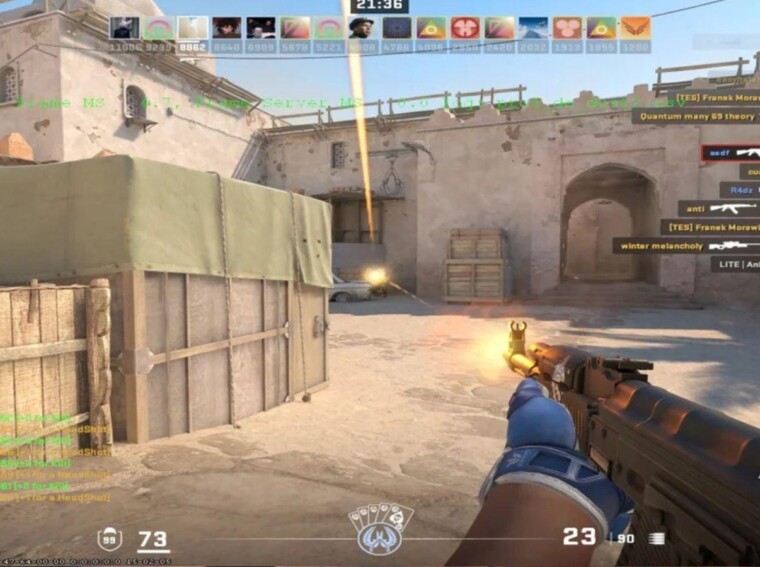
It’s easy to glance at a single marketplace listing and miss the sheer amount of information involved in CS2 skin trading. Prices vary between markets, two versions of the same skin can have different floats and patterns and the amount shown in a listing is not always what the seller ultimately receives. Once your inventory starts to grow, it becomes difficult to keep track of all this manually. Much of that is work that can be done by price trackers, market history, float checkers, inventory tools and trade-up calculators.
Compare Prices Across Markets
The price shown on one marketplace is only a starting point. The same skin may be listed for a different amount elsewhere, especially when comparing the Steam market with marketplaces that deal in real-money sales. Price comparison sites collect listings from several markets, so traders do not have to search each one separately. They are useful both when buying and when deciding where to sell.
Still, the lowest number on the screen needs some context. One unusually cheap listing does not establish the normal price of a skin. The number of available listings, recent sales, and marketplace fees all affect the picture. If several markets show similar prices while one listing sits far below them, that single listing is better treated as an exception than as the current market value.
Use Price History, Not Just the Current Price
Current prices become much more useful when there is something to compare them with. A historical chart shows where a skin traded last week, last month, or several months ago. This can reveal whether a recent price change is unusual or simply part of the skin’s normal range. Recent sales are useful for the same reason. Sellers can ask any price they want, but completed sales show what buyers have actually been willing to pay.
Trading volume adds another piece to the picture. Popular skins may change hands regularly, while less liquid items can take much longer to sell even when their listed value looks attractive. For someone planning to resell an item, that difference can matter as much as the price itself.
Check the Float and Pattern
The same skin can have very different values depending on its exact condition and pattern. Exterior categories such as Minimal Wear or Field-Tested give only a general idea of wear, while the float value shows it more precisely. Two Field-Tested skins, for example, can have different float values and look noticeably different.
Pattern index is another factor. On some knives and weapon skins, the pattern changes how colors or design elements are placed on the item. Certain patterns are more sought after than others.
Float and pattern checkers help traders see these details for a specific skin instead of judging it only by the average market price.
Keep Track of the Whole Inventory
Once an inventory contains dozens of skins bought at different times, checking every price manually gets tedious very quickly. Inventory trackers put those items together and estimate their current value using market data. Some CS2 tools go further and record changes in portfolio value, individual purchase prices, or profit and loss. This makes it easier to see which items have changed significantly without searching for every skin again.
If you are a player who is looking for a CSGOBackpack alternative, there are newer tools that combine inventory valuation with market prices, historical data, and information about individual skins. What you are tracking determines what features are useful. A person with a small collection may only need a current estimate of inventory. An active trader may want a record of purchase prices and changes over time.
Use Trade-Ups for Skins You No Longer Need
Not every unwanted skin has to be sold separately. Trade-up contracts allow ten eligible skins of the same rarity to be exchanged for one skin of the next rarity level. This can be a useful way to make use of lower-tier skins sitting in an inventory. The possible result depends on the collections represented by those ten skins. Float also matters because the values of the input items affect the resulting skin. This is where a trade-up calculator saves a lot of manual work. It can show the possible outputs and expected float of the resulting item.
Conclusion
There is no one tool that does an equally good job of covering all aspects of CS2 skin trading. A price comparison site tells you where something is cheaper, but may tell you little about an unusual pattern. A float checker can identify a special individual skin, but nothing about how fast it sells. Specialized CS2 tools help traders check prices, item details, market history, and trading costs, giving them a clearer picture before buying or selling a skin item.