

Immediately after their release, major video games attract a great deal of attention. Players test the new product, spot bugs, and content creators produce the first mods. Developers aren’t sitting idle either, and are planning game updates. With the release of new patches, a common problem is that most mods break, ceasing to work literally within minutes of an automatic update. Players and communities who maintained their own mod collections were left with errors, endless loading screens or completely corrupted save files. Similar situations have occurred with well-known titles such as Skyrim, Cyberpunk 2077, Starfield, Baldur’s Gate 3 and other major releases. In this article, we’ll examine what the problem is and how video game developers can resolve it.
Why Day One Patches Keep Breaking Stable Mods
The release of a Day One Patch is largely linked to the final stage of the game’s testing. Developers fix bugs discovered after release, but they often alter libraries, memory structures or internal resource identifiers. For the official client, this goes unnoticed, but mods rely precisely on these elements.
Mod authors who are aware of this recommend disabling automatic updates on Steam or other gaming platforms until compatibility has been verified. You can keep track of such advice directly on the authors’ pages, or, for example, in the latest gaming news, where articles are published about updates, technical issues, patches and player feedback. So, after checking whether a mod is compatible with a new patch, if the game isn’t working, the developers must make adjustments to fix the issue.
A good example is Cyberpunk 2077, which is known as one of the most bug-ridden video games. CD Projekt RED frequently releases updates, making adjustments to the skill system, NPC artificial intelligence and various game mechanics. However, following the release of new patches, in most cases many well-known mods cease to work, and their developers have to rework them to meet the game’s new requirements.
According to statistics portals, some popular versions have over 5 million downloads, so even one unexpected change quickly becomes a problem for both the development studio and the players.
Why Players Think Many Changes Are Completely Unnecessary
In gaming communities, it is not the update itself that causes frustration, but the lack of explanation. If a patch adds new content, supports DLC or changes the rendering system, most users accept the need to adapt their mods as a matter of course. It’s a different matter when a new patch contains only a few minor interface fixes, yet half of the mods stop working after installation. Observations by well-known gaming enthusiasts also confirm the trend that most minor patches are unnecessary.
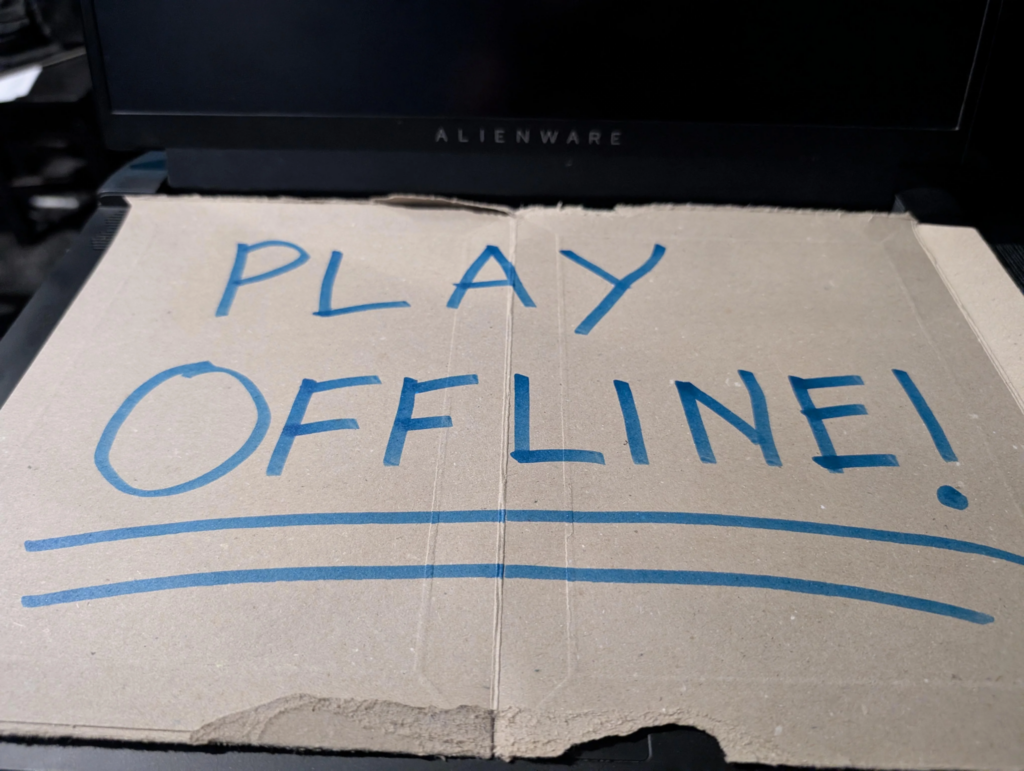
If you don’t want to waste time installing new mods to replace the ones that no longer work, it’s advisable to disable Steam’s automatic updates and wait 48–72 hours after a new patch is released. This method significantly reduces the number of critical issues, as developers usually have time to fix the main problems by then.
Most often, it is the large collections that suffer, containing 300–1000 mods. Restoring the functionality of such a configuration can take several evenings even for an experienced user.
How Mod Authors Respond To Unexpected Updates
For most mod authors, an unexpected patch means extra work, which usually does not introduce any new features. First, they need to identify which game files have been modified, then carry out testing, check for version conflicts, and only then release an update for the mod.
Authors of large projects often work for free in their spare time. Because of this, even a small patch can delay the release of a compatible version by several days. If a mod supports complex scripts or interacts with other libraries, the process takes even longer.
Experienced players, in order not to lose game progress, use separate game backups or version managers. This method allows preserving the current playthrough without the risk of damaging modifications. Useful materials are also regularly published by Nexus Mods, Steam Community, and official developer pages, where one can find information about the compatibility status of specific libraries.
Can Developers Reduce These Problems?
It is hardly possible to avoid issues with mods entirely. Any change to a game file has the potential to affect this element. However, there are a few simple solutions that some studios are already using.
Firstly, detailed changelogs allow mod authors to pinpoint the source of a problem more quickly. Secondly, Steam’s test branches provide an opportunity to check compatibility even before the official release. Thirdly, official support for mods significantly reduces the risk of critical conflicts.
Following the release of major updates for Baldur’s Gate 3, Larian Studios has repeatedly warned users about potential issues with mods. This approach has been well received by the community, as owners of large mod collections were able to prepare backups in advance.
Other game studios are also gradually implementing official tools for creating modifications. Considering the popularity of mods, supporting modders in the gaming community is an important part of the life cycle of modern video games.
Conclusion
Putting all the facts together, it can be said that Day One Patches can be a problem for the modding community, but there are many ways to resolve it. Situations where hundreds of popular mods stop working after a small update naturally provoke a negative reaction, but players and developers have learned to adapt quickly.
The former support modders and look for ways to improve support for mods, whilst the latter strive to balance the new patch as quickly and effectively as possible from a technical perspective. However, if you’re the type of player who likes to play it safe, we recommend enabling backups, disabling automatic updates before major releases, and checking mod compatibility before installing a new patch. By following this approach, you’ll avoid losing your game progress and be able to play smoothly even during significant glitches.